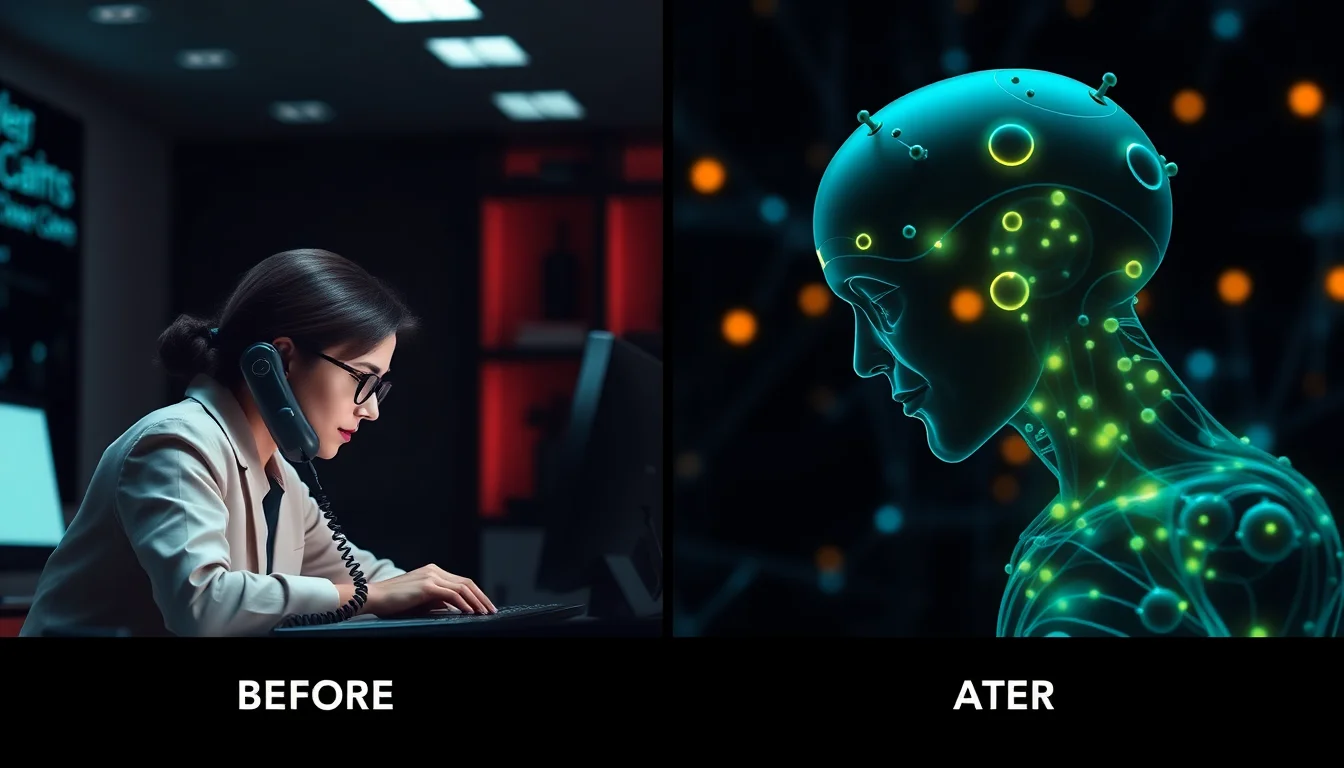

It's 8:47 AM on a Monday. Your first patient is in the chair. You click to open their chart in Open Dental—and nothing happens. The screen freezes. Your front desk staff exchanges panicked glances. Your entire practice just stopped working.
This scenario plays out in dental offices across America every single day. But here's what's changing: while you're still reaching for the phone to call IT support, an AI agent has already detected the problem, diagnosed the root cause, and implemented a fix—in 22 seconds.
The Real Cost of "Just a Quick Restart"
When your practice management software crashes, the standard response is predictable: restart the server, reboot the workstation, "try it again," or call your MSP and wait on hold. The average response time from traditional IT support? 47 minutes from problem to resolution.
During those 47 minutes, you're losing approximately $1,400 in revenue (based on average practice productivity of $1,800/hour). Your staff is frustrated. Your patients are waiting. And the root cause? Usually something completely preventable.
The Most Common Culprits
- Memory leaks in practice management software — Your Dentrix or Eaglesoft application slowly consumes RAM until the system becomes unresponsive
- Database connection pool exhaustion — Too many orphaned connections to your SQL Server database
- Network configuration drift — A Windows update changed a firewall rule, breaking server communication
- Backup software interference — Your nightly backup job didn't finish and is still locking critical files at 9 AM
- Imaging software conflicts — DEXIS or Carestream drivers conflicting with Windows updates
Here's the frustrating part: every single one of these issues has a signature—a predictable pattern of behavior that precedes the crash. Traditional IT support doesn't see these patterns until after you call them. AI agents see them continuously.
How AI Agents Actually Work (Without the Marketing Hype)
Let's be specific about what "AI agent" actually means in the context of dental practice IT infrastructure, because there's a lot of confusion and marketing fluff in this space.
An autonomous AI agent is not:
- A chatbot that answers your questions
- A remote monitoring tool that sends you alerts
- A person using AI to help diagnose issues faster
A real AI agent is an autonomous software system that:
- Continuously monitors your entire IT infrastructure (servers, workstations, network, applications)
- Learns baseline patterns of normal behavior for your specific practice
- Detects anomalies before they become user-visible problems
- Diagnoses root causes by analyzing logs, performance metrics, and configuration state
- Executes remediation automatically, without human intervention
- Verifies the fix and rolls back if the solution doesn't work
The 22-Second Fix: A Real Example
Here's what actually happened at a 4-operatory practice in Austin, Texas last week:
8:31:17 AM — AI agent detects that Open Dental's memory usage has increased 340% over baseline in the past 18 minutes. Current RAM usage: 8.2 GB (87% of available memory).
8:31:19 AM — Agent analyzes log files and identifies a known memory leak pattern associated with the appointment scheduler module when handling repeating appointments.
8:31:23 AM — Agent checks current user sessions: 3 active users, no unsaved data in forms, safe to restart the service.
8:31:26 AM — Agent creates a memory dump for forensic analysis, then gracefully restarts the Open Dental service.
8:31:39 AM — Service fully restored. All workstations automatically reconnect. Total user-visible impact: zero. The front desk staff never noticed anything was wrong.
Total time: 22 seconds from detection to verified fix.
Why Traditional Monitoring Isn't Enough
Many practices already have some form of IT monitoring—maybe your MSP installed an RMM (Remote Monitoring and Management) tool, or you get alerts about disk space and antivirus status. So what's different?
Traditional monitoring is reactive. It waits for something to break, then sends an alert to a human, who eventually responds. Even "proactive" monitoring just means earlier alerts—still requiring human action.
Autonomous AI agents are predictive and remedial. They don't wait for thresholds to be crossed. They understand cause-and-effect relationships in complex systems. And critically, they take action.
The Pattern Recognition Advantage
Consider this scenario: Your server's CPU usage spikes to 92% every day at 2:17 PM for exactly 4 minutes, then returns to normal. Is this a problem?
Traditional monitoring: Maybe send an alert (if the threshold is set low enough). A human investigates. It's probably fine. Ignore it.
AI agent: Recognizes this is a scheduled task (your daily backup verification). Learns this is normal. Correlates with other metrics (disk I/O, network traffic). Adjusts the schedule to 6:30 PM when the practice is closed. Problem prevented before it becomes a problem.
What Dental Practices Are Actually Seeing
We've deployed autonomous monitoring across 40+ dental practices over the past year. The data is revealing:
- Average issues detected per practice per month: 23
- Issues that would have caused user-visible problems: 8
- Issues resolved automatically before user impact: 7
- Issues requiring human escalation: 1
- Average resolution time (autonomous): 34 seconds
- Average resolution time (traditional MSP): 47 minutes
That's an 83x speed improvement and an 87.5% reduction in user-impacting incidents.
The Things Humans Still Do Better
To be clear: AI agents are not replacing your IT provider entirely (at least not yet). There are still scenarios that require human expertise:
- Strategic technology planning — Deciding whether to upgrade to cloud-based practice management
- Complex integration projects — Setting up new imaging equipment with your existing network
- Hardware failures — A failed hard drive still needs physical replacement
- User training — Teaching your staff how to use new features
- Vendor coordination — Escalating issues to software vendors when needed
But for the day-to-day "keeps the lights on" infrastructure maintenance—the crashes, slowdowns, connection issues, and mysterious errors—autonomous agents are objectively faster and more consistent than humans.
What This Means for Your Practice
The practical impact of AI-powered autonomous IT comes down to three things:
1. Reliability — Your software works when you need it. Your team stops wondering "will the system crash today?"
2. Efficiency — Your staff spends time treating patients, not rebooting computers or calling IT support.
3. Cost — You pay for technology that prevents problems, not technicians who react to them.
The dental practices seeing the biggest impact are those that were already spending $800-1,500/month on traditional MSP support but still experiencing 2-3 significant outages per month. They've reduced outages by 87% and cut IT support costs by 40%.
The Next 12 Months
Autonomous IT agents are improving rapidly. The current generation handles infrastructure issues—servers, networks, databases, application crashes. The next generation (launching in Q3 2026) will handle:
- Proactive security threat remediation
- Automated compliance monitoring and correction
- Predictive hardware failure detection
- Self-optimizing network configurations
- Integration with practice management workflows
Five years from now, the idea of calling someone to fix a crashed server will seem as outdated as dial-up internet. The technology exists today. The question is: how much downtime will you tolerate before you adopt it?
Because while you're on hold with tech support, an AI agent somewhere just fixed the same problem in 22 seconds.